

Google Business Profile Optimisation: The Complete Guide for Adelaide Businesses
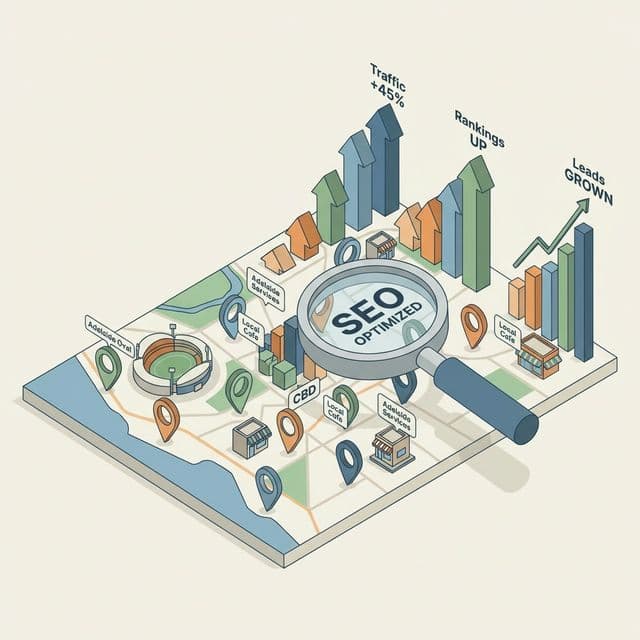
If you run a local business in Adelaide, your Google Business Profile (GBP) - formerly known as Google My Business - is arguably the single most important free marketing tool available to you. It determines whether your business appears in the "Local Pack" (the map results at the top of Google search), which captures up to 44% of all local search clicks.
This guide covers everything you need to do to fully optimise your GBP and outrank your competitors in Adelaide local search.
Step 1: Claim and Verify Your Profile
Go to business.google.com and search for your business. If it exists, claim it. If not, create it from scratch. Google will send a verification postcard to your business address in Adelaide, SA. This step is non-negotiable - an unverified profile has severely limited visibility.
Step 2: Choose the Right Business Category
Your primary category is one of the most powerful ranking signals in local SEO. Be specific. If you're a web designer, don't just choose "Marketing Agency" - select "Web Designer" or "Internet Marketing Service." You can add up to 9 secondary categories, but your primary one carries the most weight.
For Adelaide businesses, choosing the correct category determines which searches you appear for. Getting this wrong means missing out on hundreds of potential customers every month.
Step 3: Complete Every Single Field
Google rewards completeness. Businesses with fully completed profiles are 70% more likely to attract location visits. Ensure the following are filled in:
- Business name (exactly as it appears everywhere online)
- Address (consistent with your website and all directories)
- Phone number (local Adelaide number preferred)
- Website URL
- Business hours (including public holidays)
- Business description (750 characters - use local keywords naturally)
- Products and/or Services with descriptions and prices
- Attributes (e.g., "Women-led," "LGBTQ+ friendly," "Wheelchair accessible")
Step 4: Write a Keyword-Rich Business Description
Your 750-character business description is prime SEO real estate. Write naturally but include your key services and location. Example for a web agency:
"Suvaansh Group is an Adelaide-based IT and digital services agency specialising in web design, SEO, and branding for South Australian small businesses. We help businesses in Adelaide, Norwood, Glenelg, and across SA build professional websites that generate real leads."
Step 5: Upload High-Quality Photos Regularly
Listings with photos receive 42% more requests for directions and 35% more website clicks. Upload:
- Your exterior and interior (so customers recognise you)
- Your team at work
- Your products or service results
- Your logo and cover photo (branded, high-resolution)
Add new photos at least once a week. Google favours active, frequently-updated profiles.
Step 6: Post Weekly Using Google Posts
Google Posts are like social media updates that appear directly on your GBP listing. Use them to announce:
- Special offers and promotions
- New blog posts or resources
- New products or services
- Events or workshops
Posts expire after 7 days, so weekly posting keeps your listing fresh and signals to Google that you're an active business.
Step 7: Generate and Respond to Reviews
Reviews are one of the top three ranking factors for Google Maps. Here's your strategy:
- After every successful job, send your customer a direct link to your GBP review page
- Respond to every review - positive and negative - within 24 hours
- Include keywords in your responses (e.g., "Thank you for choosing our web design services in Adelaide!")
- Never offer incentives for reviews - it violates Google's guidelines
Step 8: Enable Messaging and Q&A
Turn on the messaging feature so potential customers can contact you directly from the search results. Monitor the Q&A section and pre-populate it with common questions about your Adelaide business.
Need help optimising your Google Business Profile and local SEO strategy? Contact Suvaansh Group - Adelaide's digital growth specialists.
The Compounding Effect of GBP Optimisation
Every improvement you make to your Google Business Profile compounds over time. More photos lead to more views. More reviews lead to higher rankings. Higher rankings lead to more customers. More customers leave more reviews. It's a flywheel - and once it's spinning, it's incredibly powerful for your Adelaide business.